AI Facial Recognition & Video Streaming Doorbell with ESP32-CAM
Turn the ₹600 ESP32-CAM module into an intelligent IoT smart video doorbell with local face detection, recognition enrollment, and electromagnetic door lock trigger.
AI Facial Recognition & Video Streaming Doorbell with ESP32-CAM
The ESP32-CAM packs an OV2640 2-Megapixel image sensor, 4MB PSRAM, micro-SD slot, and dual-core Xtensa CPU on a board the size of a postage stamp. In this build, we implement an on-device facial recognition security hub that detects faces in real time and energizes an electric door strike when an authorized user is recognized.
What you will build: A standalone smart doorbell streaming 30 FPS MJPEG video over WiFi, featuring on-chip face enrollment and automated relay triggering.
1. Hardware Setup
- 1× ESP32-CAM Board with OV2640 Camera
- 1× FTDI USB-to-TTL Serial Programmer (set to 5V, or 3.3V)
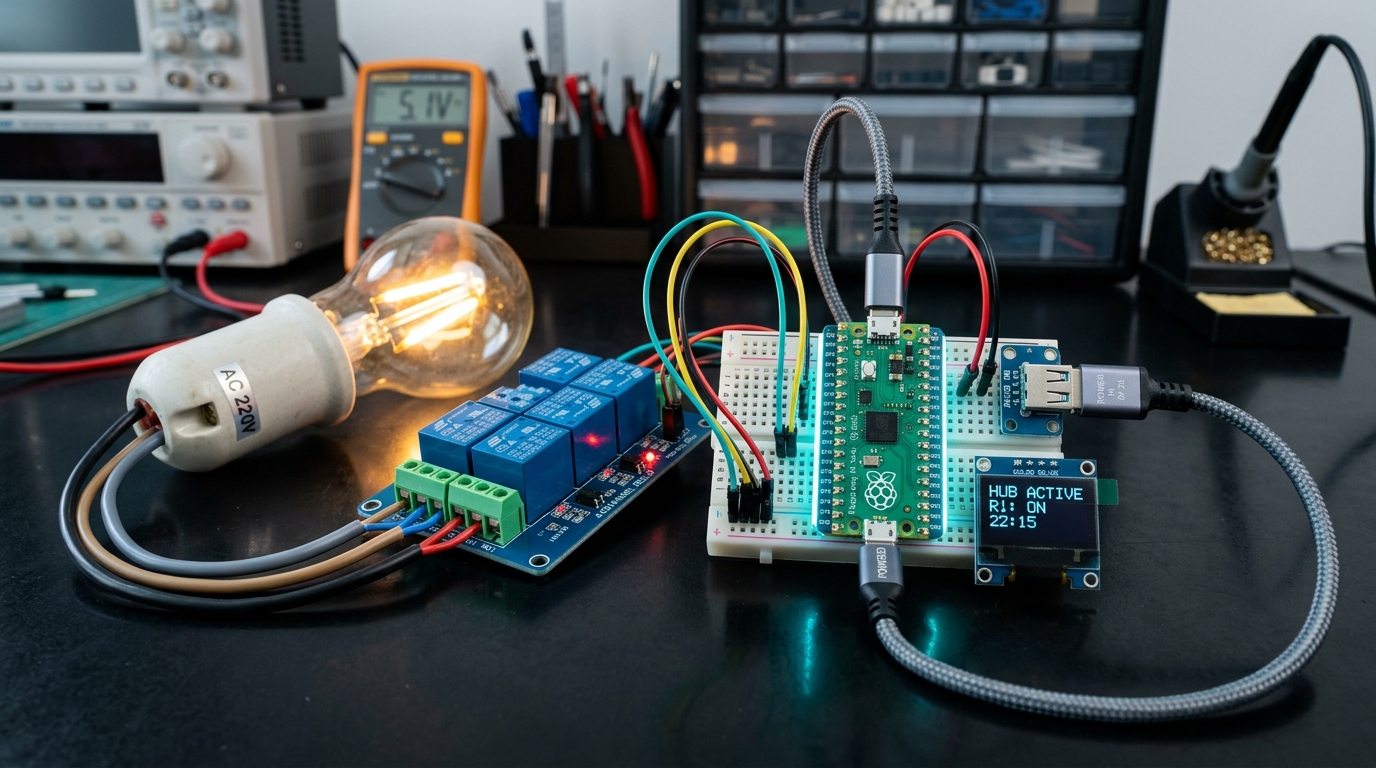
- 1× 5V 1-Channel Relay Module
- 1× 12V DC Solenoid Door Lock
- 1× 12V 2A Power Adapter
2. Programming Connection (FTDI to ESP32-CAM)
Note: Connect GPIO 0 to GND before powering on to enter flashing mode. Disconnect after upload completes!
  FTDI VCC (5V) ──────► ESP32-CAM 5V
  FTDI GND      ──────► ESP32-CAM GND
  FTDI TX       ──────► ESP32-CAM U0R (GPIO 3)
  FTDI RX       ──────► ESP32-CAM U0T (GPIO 1)
  ESP32-CAM IO0 ──────► ESP32-CAM GND (Flashing only)
3. Firmware Flashing & Configuration
- In Arduino IDE, select Board: "AI Thinker ESP32-CAM".
- Open File → Examples → ESP32 → Camera → CameraWebServer.
- In
camera_pins.h, uncomment#define CAMERA_MODEL_AI_THINKER. - Enter your WiFi credentials in the main tab and click Upload.
- Once uploaded, open Serial Monitor at 115200 baud, disconnect GPIO 0 from GND, and press the RST button.
- Copy the printed IP address (e.g.
http://192.168.1.45) into your browser. - Click "Start Stream", activate "Face Detection", and click "Enroll Face" to train facial vector models in memory!
Parts used in this tutorial
Buy them in one click — ships from Pune across India.
- ESP32 CAM WiFi Module Bluetooth with OV2640 Camera Module 2MP For Face RecognizationMicrocontrollers₹459.00+ GST
- Relay Module 5V 10A (1-channel)Power & Components₹45.53+ GST